Unity Ads auto rulesThat act on your numbers.
Set a condition once. Ramet checks it against fresh Unity data on a schedule, then pauses, blocks or re-bids for you and writes it to the log.

Unity lets you block a source app by its ID.Ramet decides which one.
Conditions you can read,actions you can trust.
Conditions in plain words
Combine spend, installs, CPI and campaign age with AND and OR. Every rule is also shown as a sentence.
Actions in Unity
Pause a campaign and start it again later, block a source app, or change a bid.
Check before you save
Press Check to see how many campaigns match right now, before the rule goes live.
Private or team
Keep a rule to yourself or share it with the team. Every run is written to the log.
A source goes over the line.Ramet blocks it and tells you.
- 3
- actions: pause a campaign, block a source app and change a bid.
- 100%
- of rule actions are logged with the rule that made them.
How it works In three steps.


Questionsabout this page.
Can a rule block a source automatically?
Yes. A rule can block a source app by its ID in Unity when its numbers cross your line, and tell you on Telegram. Unity itself only blocks sources you list by hand.
What can a rule look at?
Spend, installs, CPI and campaign age, and the cost per deposit from your postbacks.
Who sees my rules?
A rule is private to you or shared with the team, as you choose.
Also in RametFour more places to look.
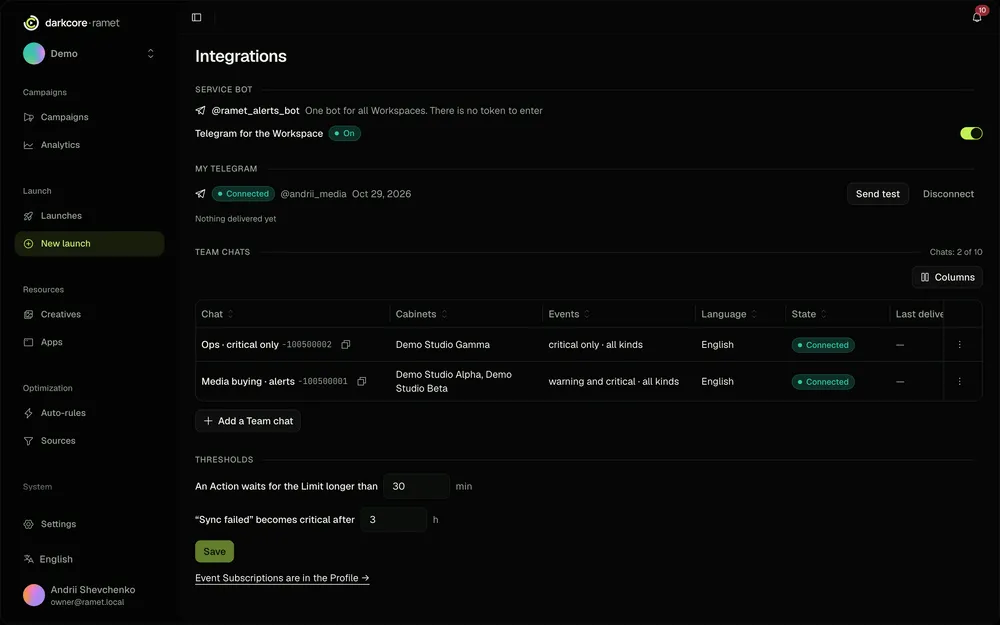
Telegram alerts
A Telegram message when a rule acts, a launch ends or a cabinet needs a look.
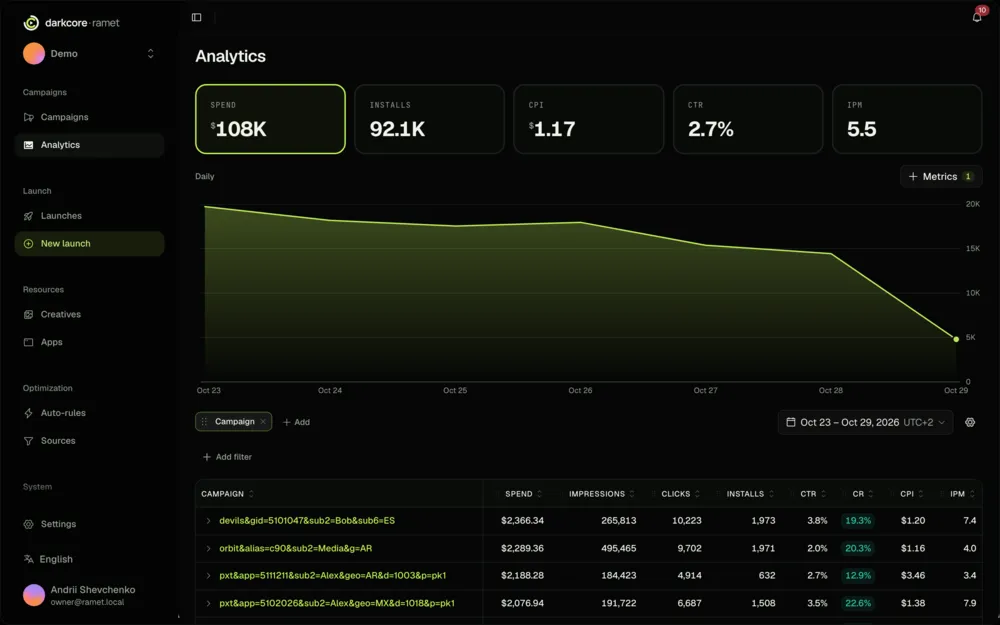
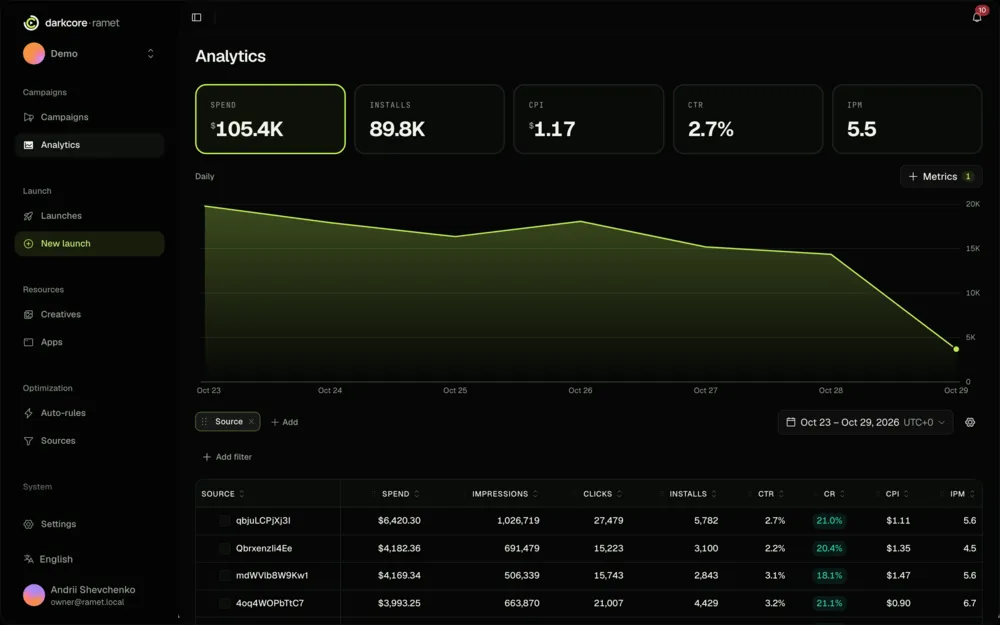
Analytics
Spend, installs and cost per deposit by campaign, geo, app and source.
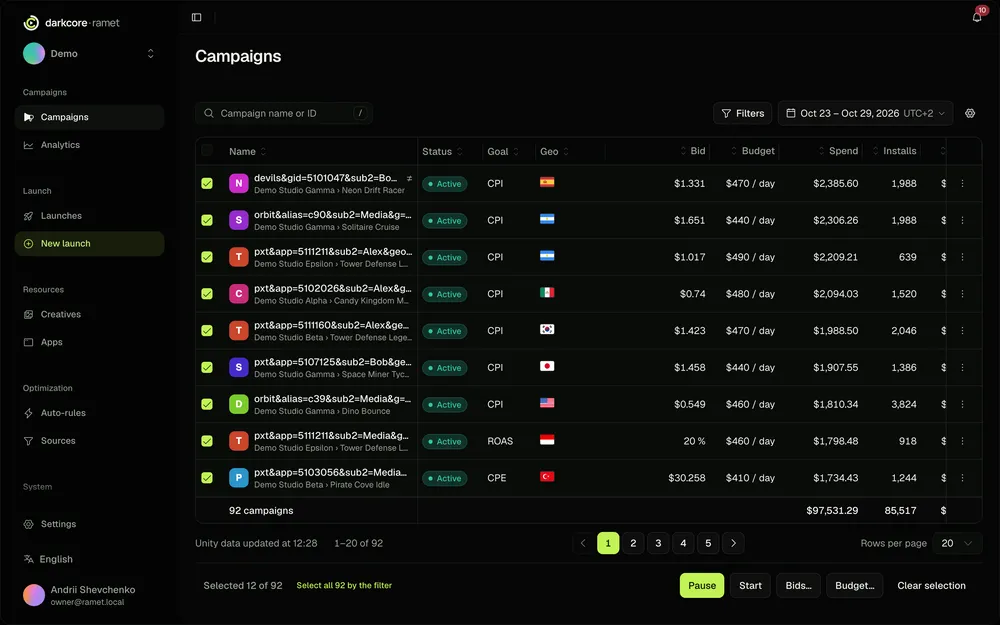
Bulk edit
Bids, daily budgets and status for dozens of campaigns in one edit.
Tracker integrations
Deposits from Keitaro, Binom, DarkCore CRM and DarkCore PWA by postback.


Launch your next 36 campaigns today.
Connect a cabinet, pick a bundle, press launch. We are on Telegram if you get stuck.